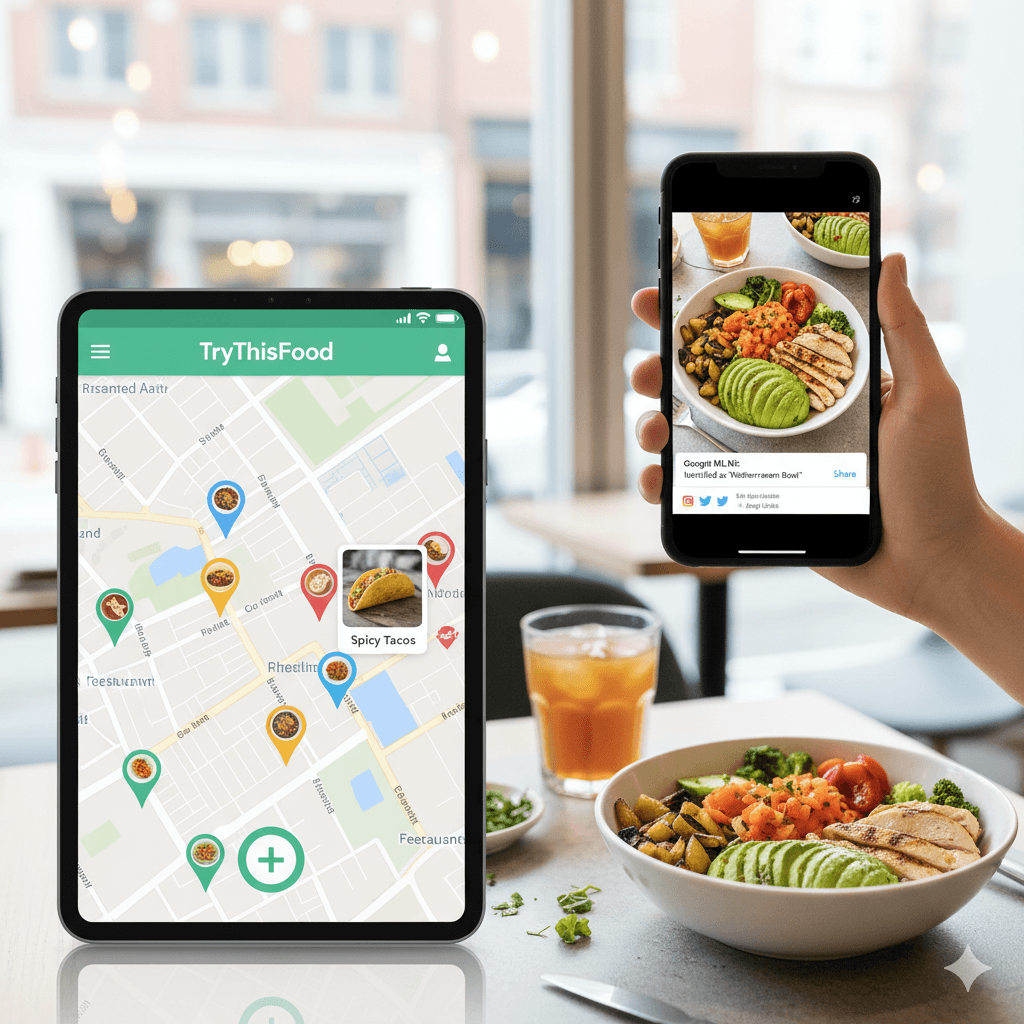
TryThisFood — Cross-platform Food Discovery App
Mobile & Web food discovery with image recognition and location features
The Problem
People want fast, simple ways to discover, identify, and share food-related content while on the go—but existing apps either force too many menus, require manual typing, or send huge images that slow uploads and waste bandwidth.
The Solution
Built a cross-platform Flutter application (Android / iOS / Web) backed by Supabase for auth, database, and storage, and integrated Firebase for push delivery and local notifications. The app lets users quickly capture or pick images, compresses uploads client-side, uses Google ML Kit image labeling to identify food items, and overlays results on a map with location services (Google Maps + Geolocator). Deep links, Google Sign-In, and share flows make content easy to publish and share.
What I Learned
Shipping mobile apps requires balancing UX, reliability, and operational cost. Implementing client-side image compression and incremental uploads taught me how much mobile bandwidth matters. Integrating ML Kit revealed practical limits of on-device labeling (pre- and post-processing matter). Building robust auth flows with Supabase and Google Sign-In helped me solidify secure token handling and session persistence across platforms.
Key Metrics
Image Upload Size
Reduced by ~70%
Time-to-Publish
Few seconds (camera → upload → recognition)
Platform Coverage
Android, iOS, Web (single codebase)
Key Achievements
- 1Planned and implemented cross-platform architecture using Flutter + BLoC
- 2Integrated Supabase for authentication, database, and storage (user content + metadata)
- 3Added Google ML Kit image labeling for quick food recognition on-device
- 4Implemented client-side image compression and optimized upload pipeline
- 5Built location-aware discovery with Google Maps, Geolocator, and deep links
- 6Integrated Firebase Messaging + local notifications for engagement
- 7Added in-app update checks and ad monetization support (Google Mobile Ads)